
PHSWERTE App Install Steps and How to Spot a Cloned App
By PHSWERTE Editorial Team
- Adults 21 and upPAGCOR bars everyone under 21 from gambling.
- Buttons go to 76JLA partner platform, never the phswerte.ph lobby.
- Held up to public papersPAGCOR and BSP documents, plus the lobby Help pages.
A student sets up a phone after a factory reset and wants the lobby back on the home screen before the next class. Done in the right order, a phswerte app install takes about two minutes and never touches a file. Done in the wrong order, starting from a link someone sent, it can put a copy on the phone that looks right and reports everything you type to someone else.
PHSWERTE app install: the safe order of steps
Picture two people installing on the same evening. One begins with a link from a chat; the other types the address. The second person can stop at any step and still be safe, which is why the order below matters more than the speed.
- Check the address. Type phswerte.ph into Chrome or Safari. It forwards to the lobby’s main host; compare the name with the list on the PHSWERTE app overview.
- Look at the lobby before you touch it. The language selector starts on Tagalog, the buttons read Mag-login and Magrehistro, and the tabs include Slots, Live, Fish, Poker and Sports.
- Add the icon. The lobby’s Idagdag sa Home Screen control works, and so does the Add to Home Screen item in the browser menu.
- Test the icon. Launch it and see that it opens the same lobby you checked.
- Sign in last. Username first, then password; three wrong attempts lock the account, so slow down if you are unsure.
Each phone adds its own detail. Android owners can read about Play Protect and side-loading in the PHSWERTE APK guide for Android, and iPhone owners can follow PHSWERTE on iOS with Safari for the Share-menu route.
How to install casino app icons without skipping a check
| Step skipped | What can go wrong |
|---|---|
| Address check | The icon saves a look-alike host instead of the lobby |
| Look at the lobby | A copied page with a different design goes unnoticed |
| Test before sign-in | Your username and password reach a clone first |
How to spot a cloned PHSWERTE app
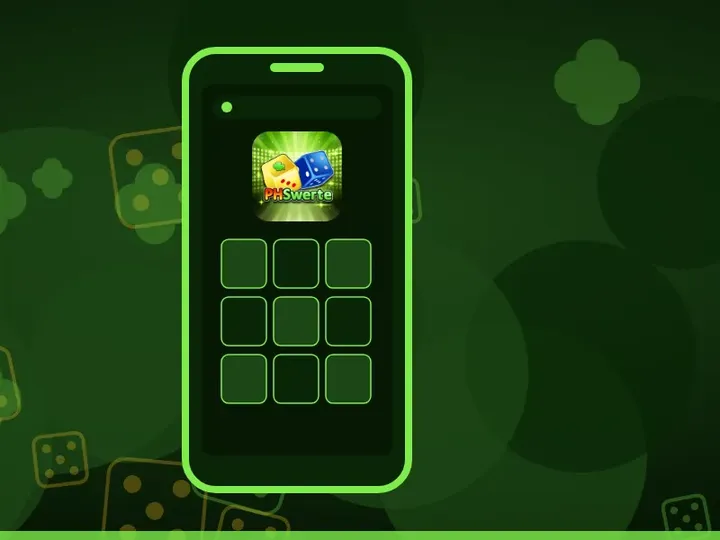
A friend’s phone shows a PHSWERTE icon that looks a shade off, and the lobby inside asks for a wallet code to “activate” the account. Every one of those details points to a clone. The genuine lobby icon carries the brand’s dice art: a yellow clover die and a blue die over a green starburst, with the PHSwerte wordmark across the bottom.
| Sign | Lobby web app | Likely clone |
|---|---|---|
| How it reached the phone | Added from a browser tab you opened | An APK, a profile or a link in a message |
| Address when opened in the browser | A host on the lobby’s list, such as phswerte.ph or phswerte.org.ph | An unlisted name or a raw number address |
| First screen | The Tagalog lobby with Mag-login | A sign-in box alone, or a pop-up offer |
| What it asks for | Username and password | One-time codes, wallet PINs or a deposit to “verify” |
| Permissions | None beyond what the browser already has | SMS, Accessibility or draw-over-other-apps |
Found a clone? Work through the cleanup in this order:
- Delete the cloned icon or app.
- Remove whatever brought it: the APK in Downloads on Android, or any unknown profile in iPhone Settings.
- Change your lobby password from the browser, never from the clone.
- Open your wallet app and look for movements you did not make.
Payment requests deserve a separate look. GCash ended in-app gaming cash-ins and payouts on 16 August 2025, by its own Help Center’s account, so an app that asks you to top up with GCash from inside a casino screen is asking for a route GCash says it closed. The casino GCash situation in the Philippines page explains what changed.
How to Get Started
-
Confirm the hostname before anything else
Type phswerte.ph, let it forward, then check the resulting hostname against the lobby's list.
-
Add the icon from that page
Press Idagdag sa Home Screen while the lobby is open, or pick Add to Home Screen from the browser menu.
-
Test the icon once, then sign in
Open the icon, check that the Tagalog lobby loads with Mag-login, and only then enter your username and password.